Finance topics, news by subject from stocks to mortgages
On this page
Finance topics organize the money news by subject. Instead of searching, you pick a subject such as Stocks, Mortgage rates or Retirement, and get its latest stories, a few market gauges that move with it, and the companies its coverage is about.
#Browse the topics
Open Topics in the Finance section bar.
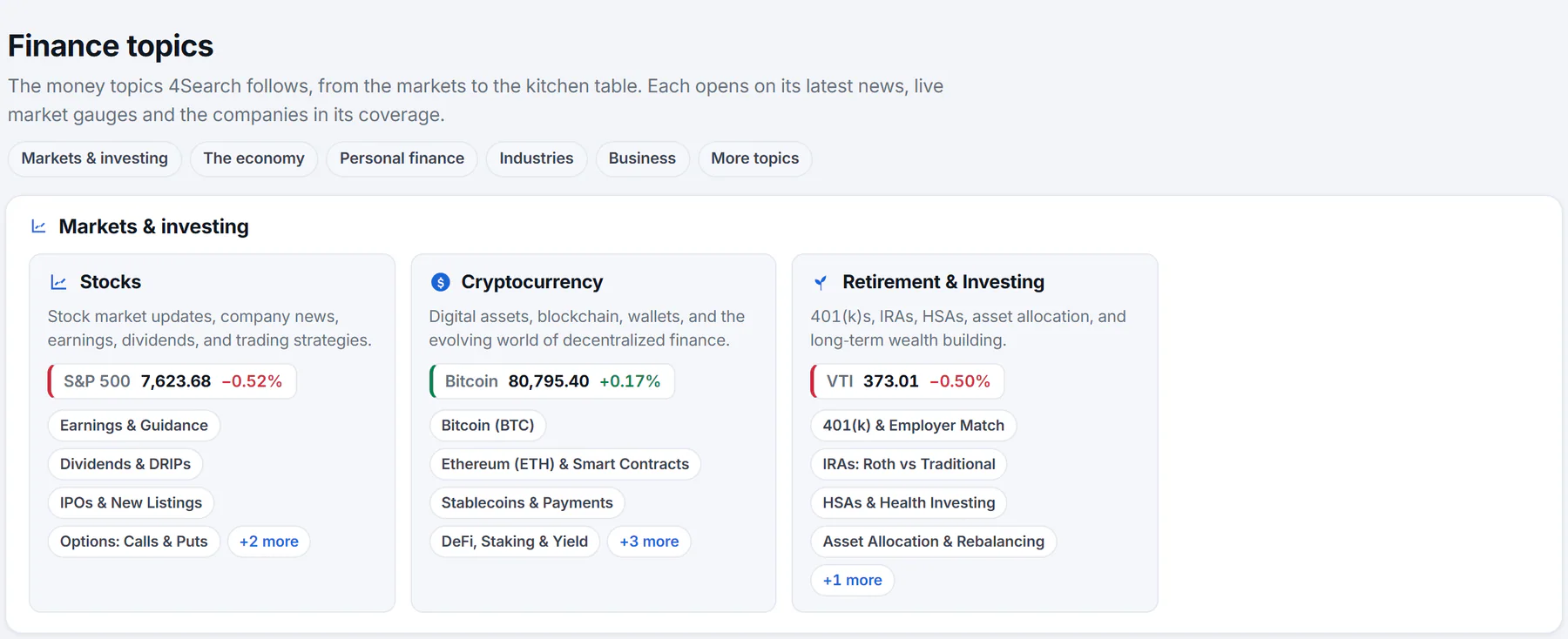
The topics page. Jump buttons lead to each group; each tile shows a short description, a market gauge and a few subtopics.
- 1Jump to a group of topics
- 2One topic
- 3A market gauge that moves with the topic
- 4Subtopics
The jump buttons at the top, Markets & investing, The economy, Personal finance, Industries, Business and More topics, take you to a group. In each tile:
- the topic's name, and a one-line description;
- a market gauge, such as the S&P 500 for stocks or bitcoin for crypto, with its price and change;
- a few subtopics, and a link such as +2 more.
The More topics group holds whole collections, such as Crypto, Retirement, Savings, Credit cards, Lending, Mortgage rates, Taxes and Insurance, each leading to its own set of topics. A topic is listed once it averages a story a month, so the list contains subjects with regular coverage.
#Read a topic
Select a tile to open the topic.
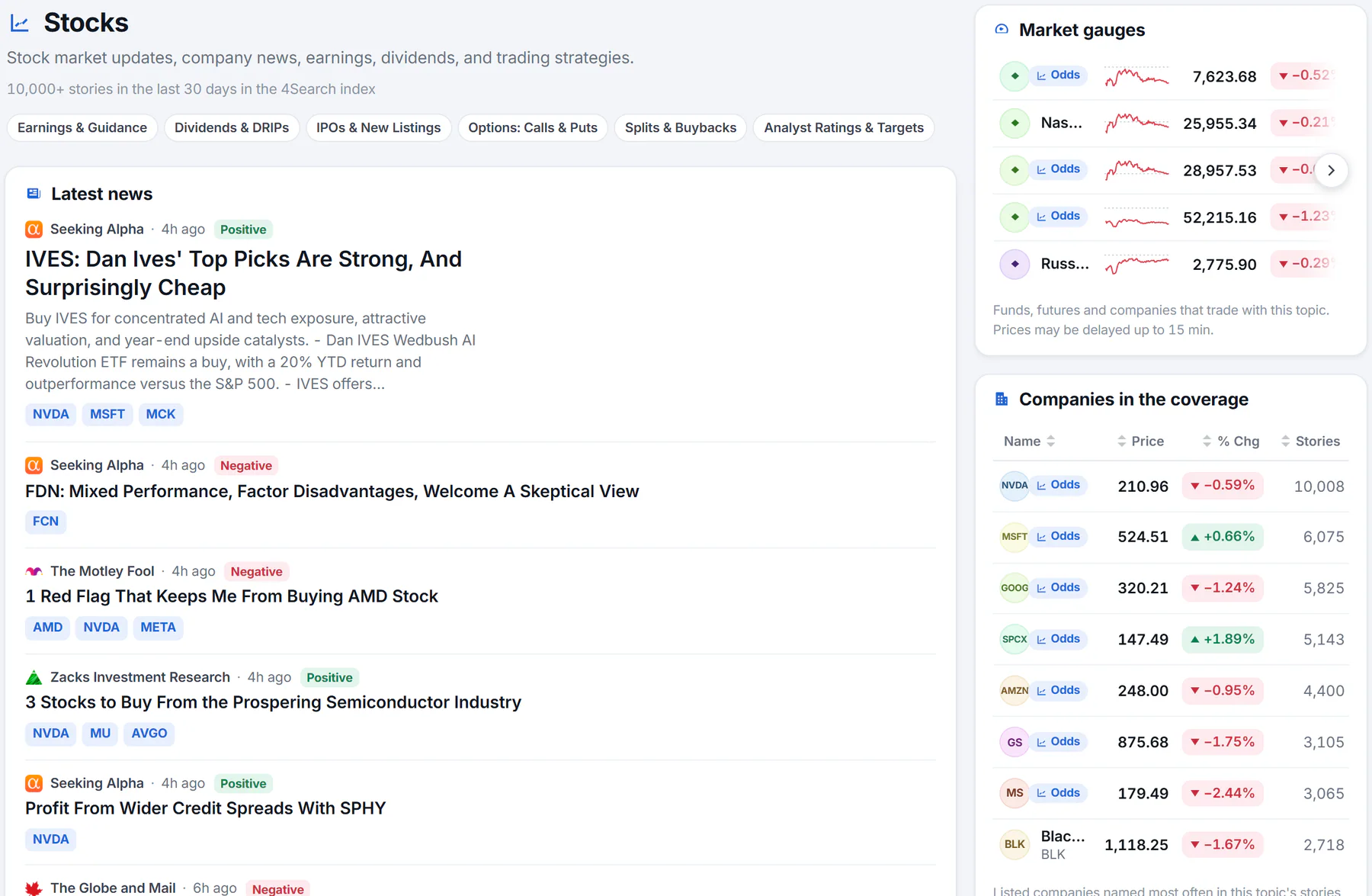
A topic page: its description, subtopics, the latest news, and market data on the right.
- 1How many stories in the last 30 days
- 2Subtopics
- 3The latest news in the topic
- 4Market gauges for the topic
- The heading, the description and a count of stories in the last 30 days in the 4Search index.
- Chips for subtopics. Select one to narrow the topic.
- An AI summary at the top of the first page, when AI answers are on; see The AI market summary.
- Latest news: the topic's stories, edited outlets first and newest first. The page refreshes the list every ten minutes. Older stories pages take you further back.
- Market gauges (right): funds, futures and companies that trade with the topic, with prices and small charts.
- Companies in the coverage: the listed companies named most often in the topic's stories over the last 30 days, with how many stories name each.
- Related companies: companies and funds whose business matches the topic.
- Related topics: the parent topic, neighbors and, where there is one, This topic across 4Search, the same subject on the rest of the site.
The breadcrumb at the top shows where you are, and ‹ links lead back up.
#Common questions
Why is a subject I expected not listed?
A topic appears once it averages about a story a month. Search for it in the Finance box instead.
Do the market gauges mean the topic moves the market?
No. They are instruments that trade with the subject, shown as context.
Can I follow a finance topic?
There is no Follow button on a Finance topic page. The Finance watchlist follows instruments, not subjects. To follow subjects across 4Search, see Follow topics.